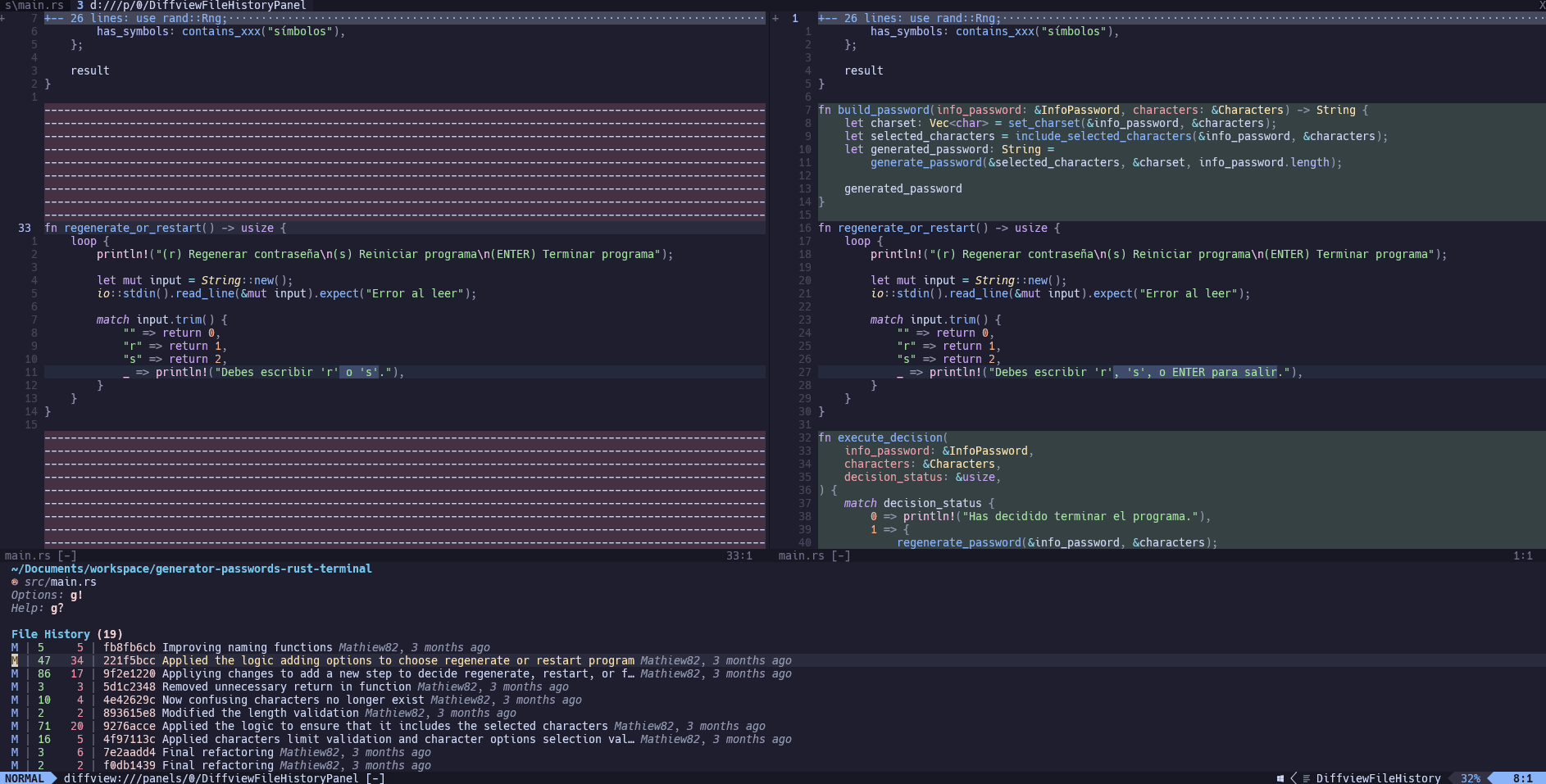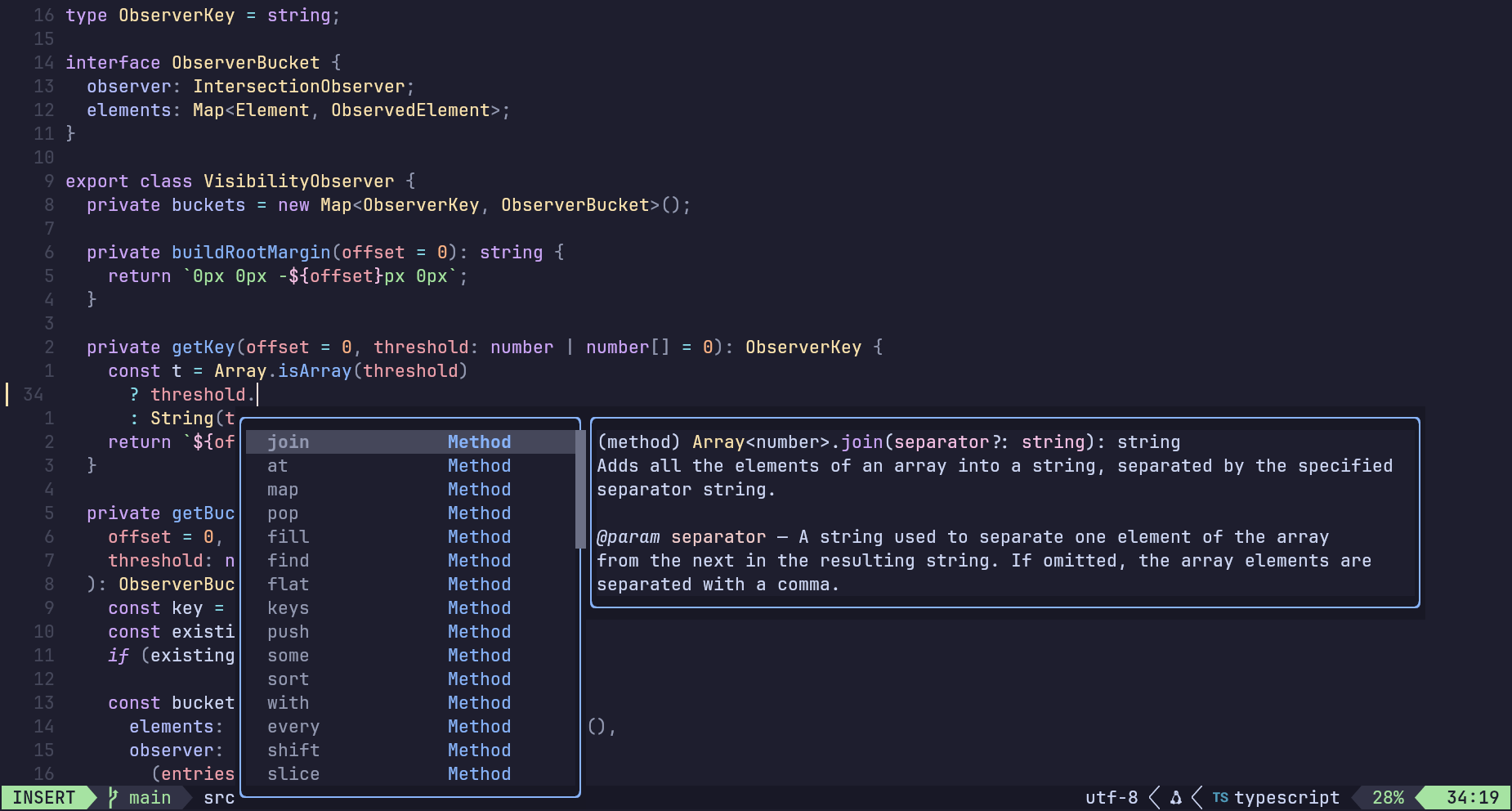
Fast & Optimized
Designed with performance in mind to deliver a fast, responsive, smooth Neovim experience across workflows.
Handpicked Plugins
Each plugin is thoughtfully selected to provide real value without bloating or slowing down your setup.
Zen-Inspired UI
A clean, distraction-free interface that helps you stay focused and maintain a smooth workflow.
Designed for your workflow
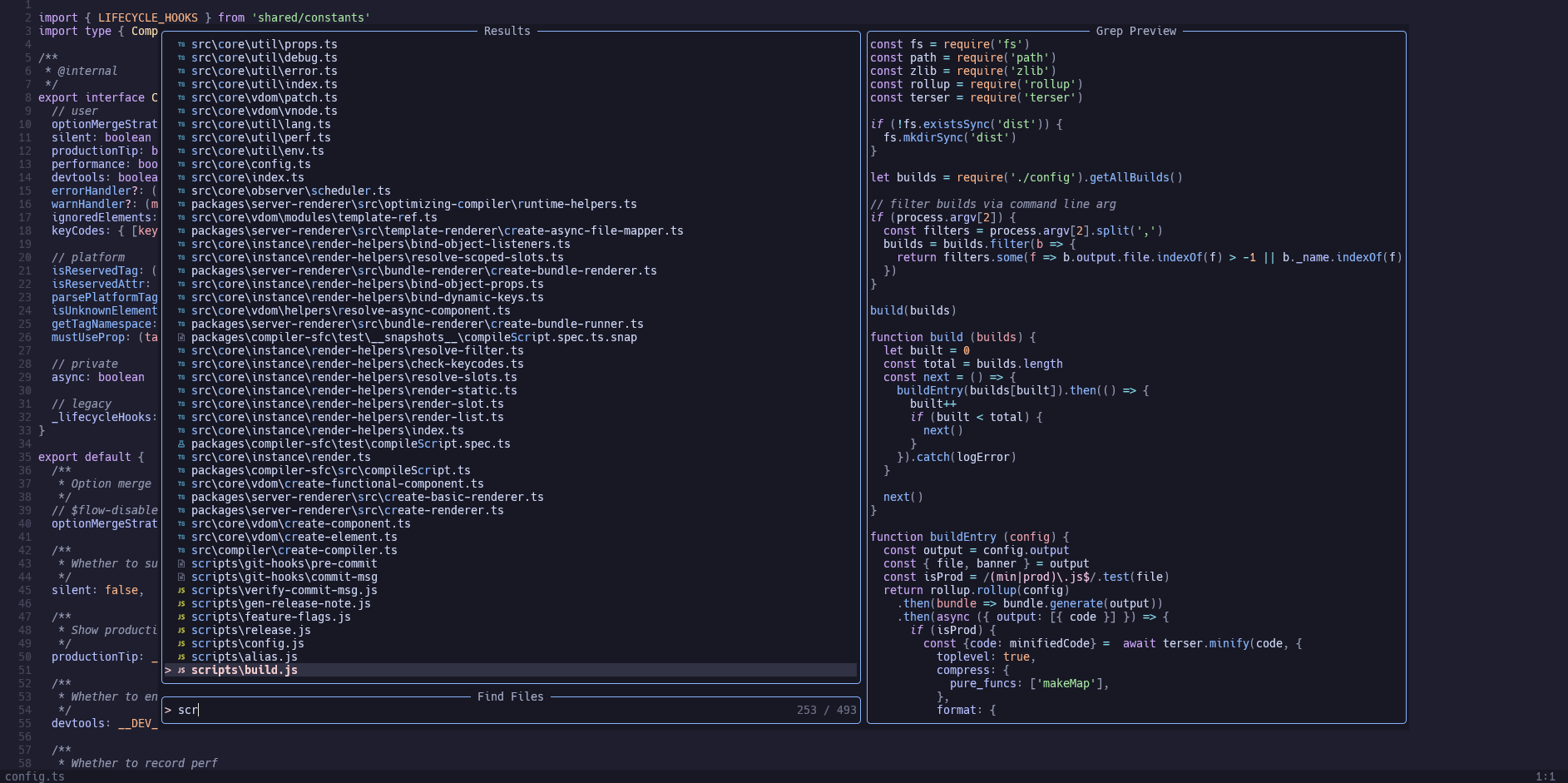
Make the most of Telescope
Search files, manage buffers, and access advanced LSP features using Telescope.
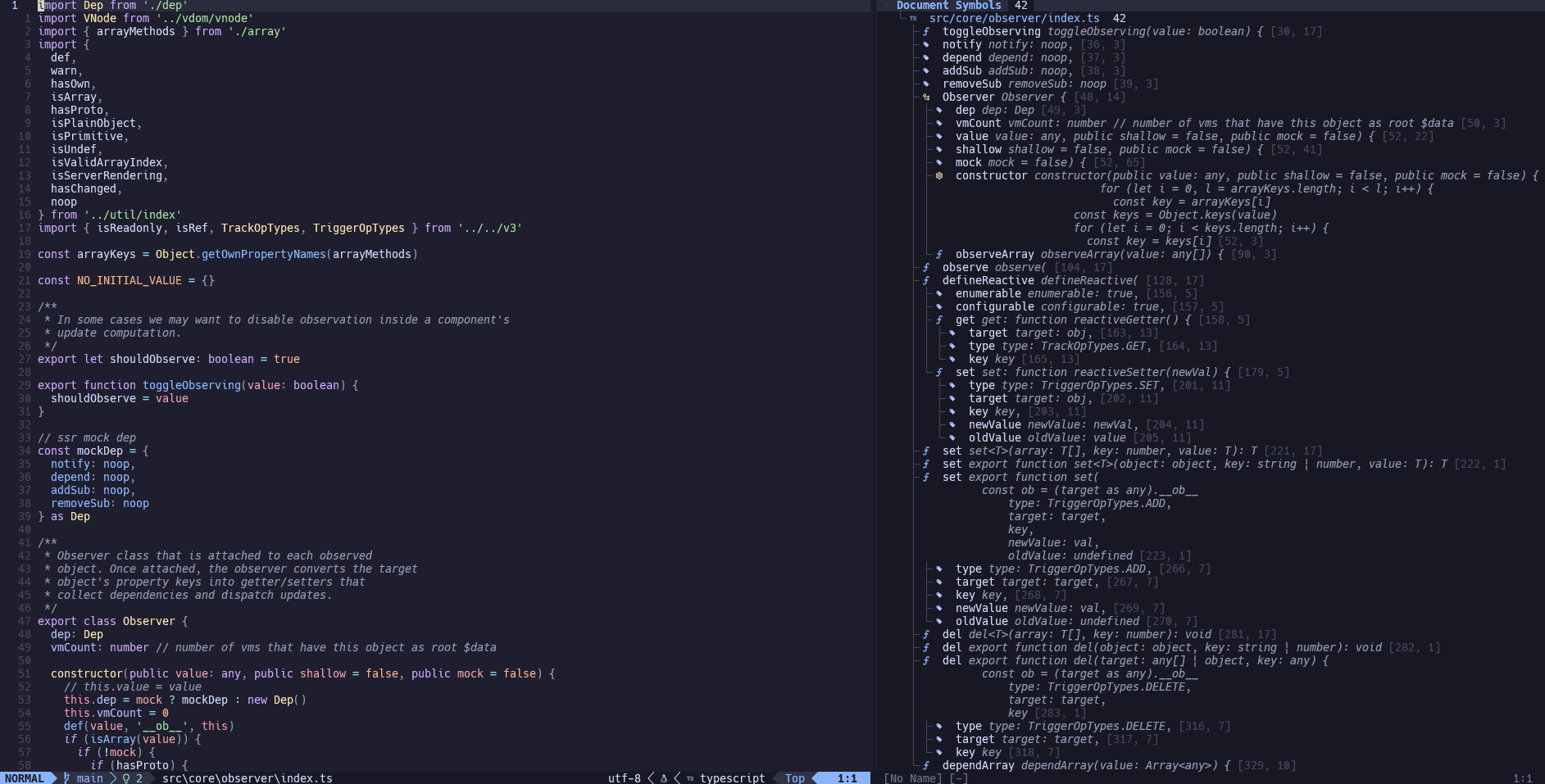
Symbols panel
Navigate through symbols, functions, and variables with a dedicated symbols panel.
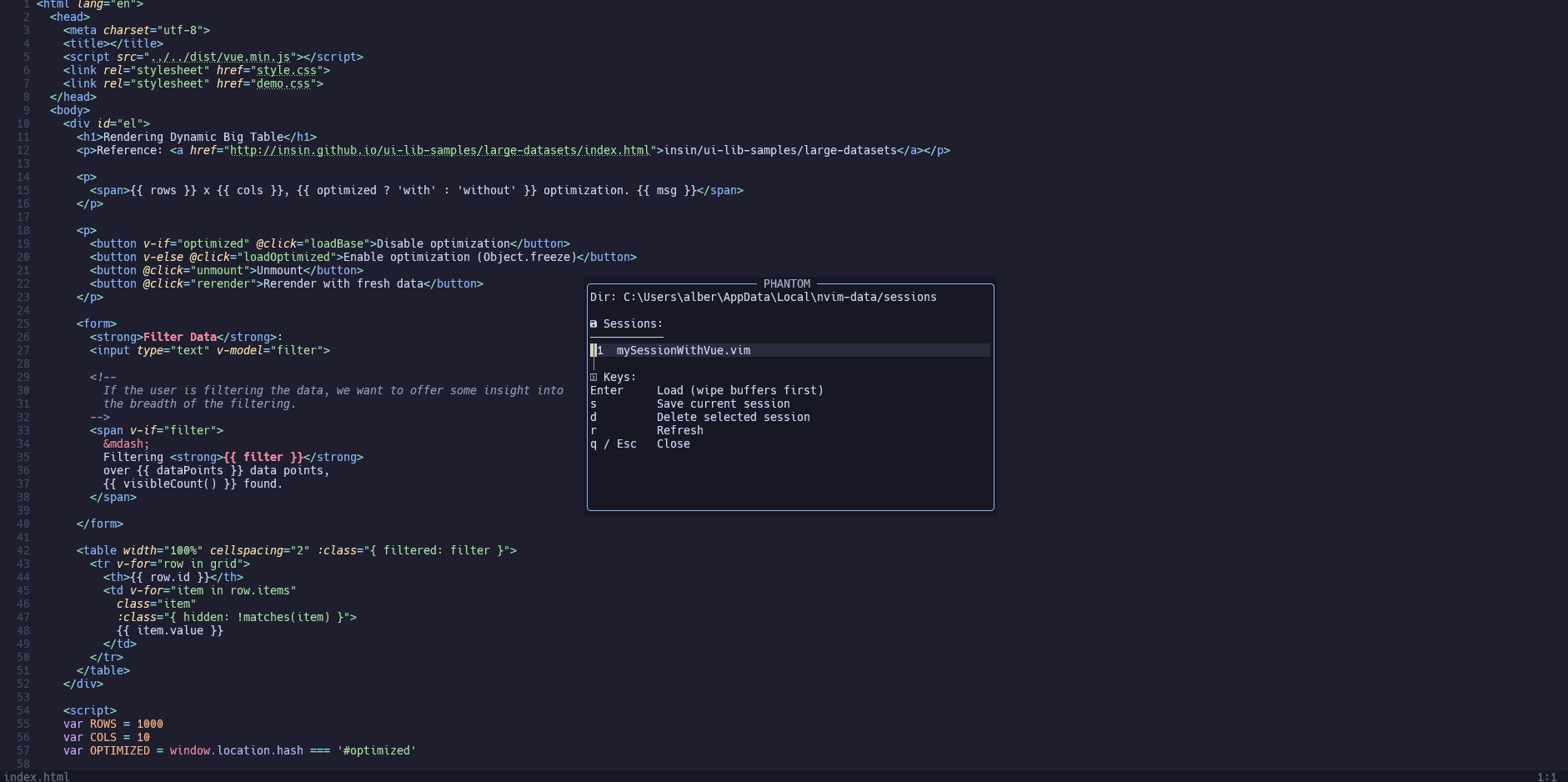
Manage your sessions
Save, restore, and manage editor sessions to continue your work instantly.
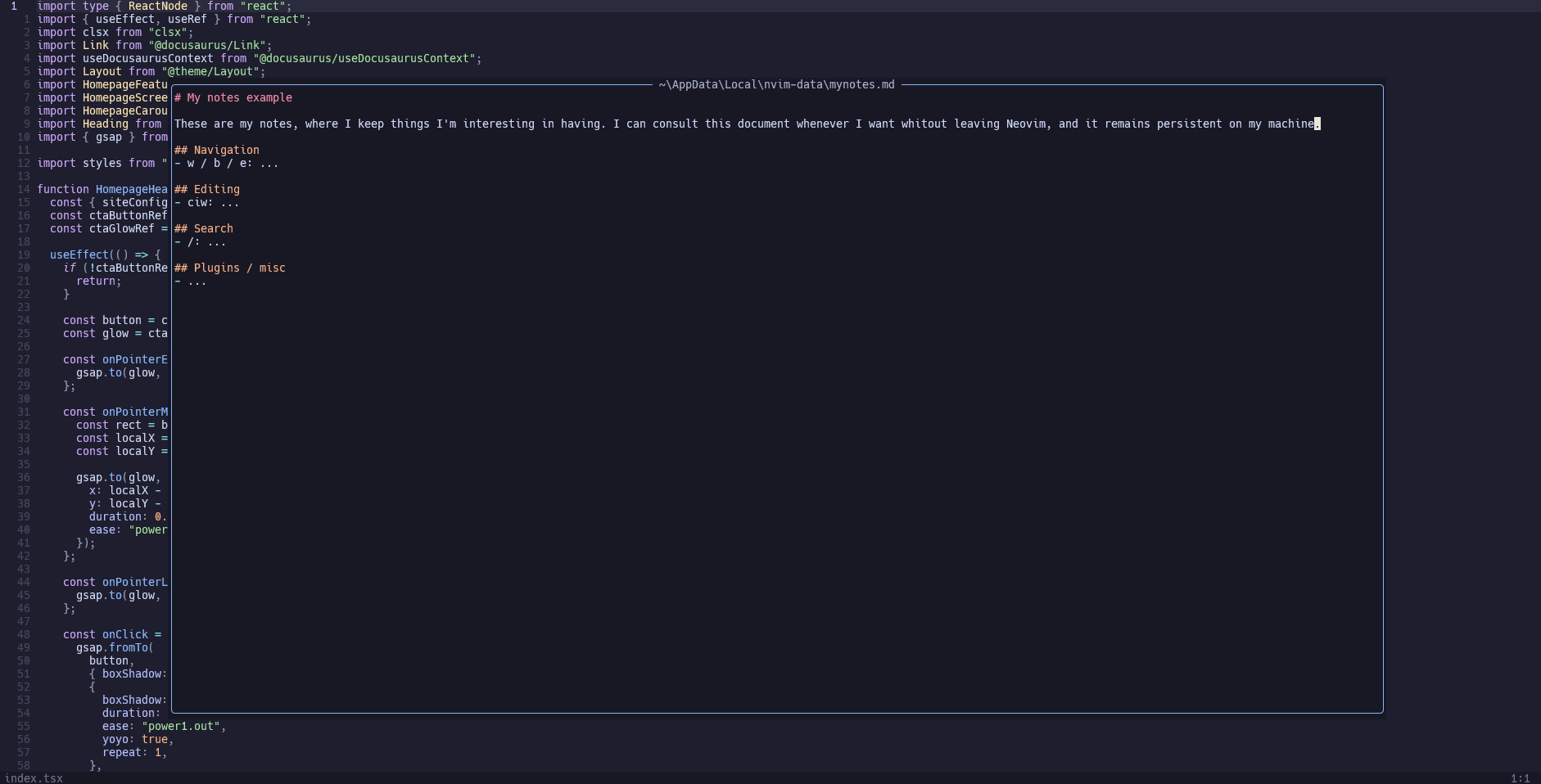
Built-in notes
Create, edit, and persist notes directly inside Neovim without external tools.
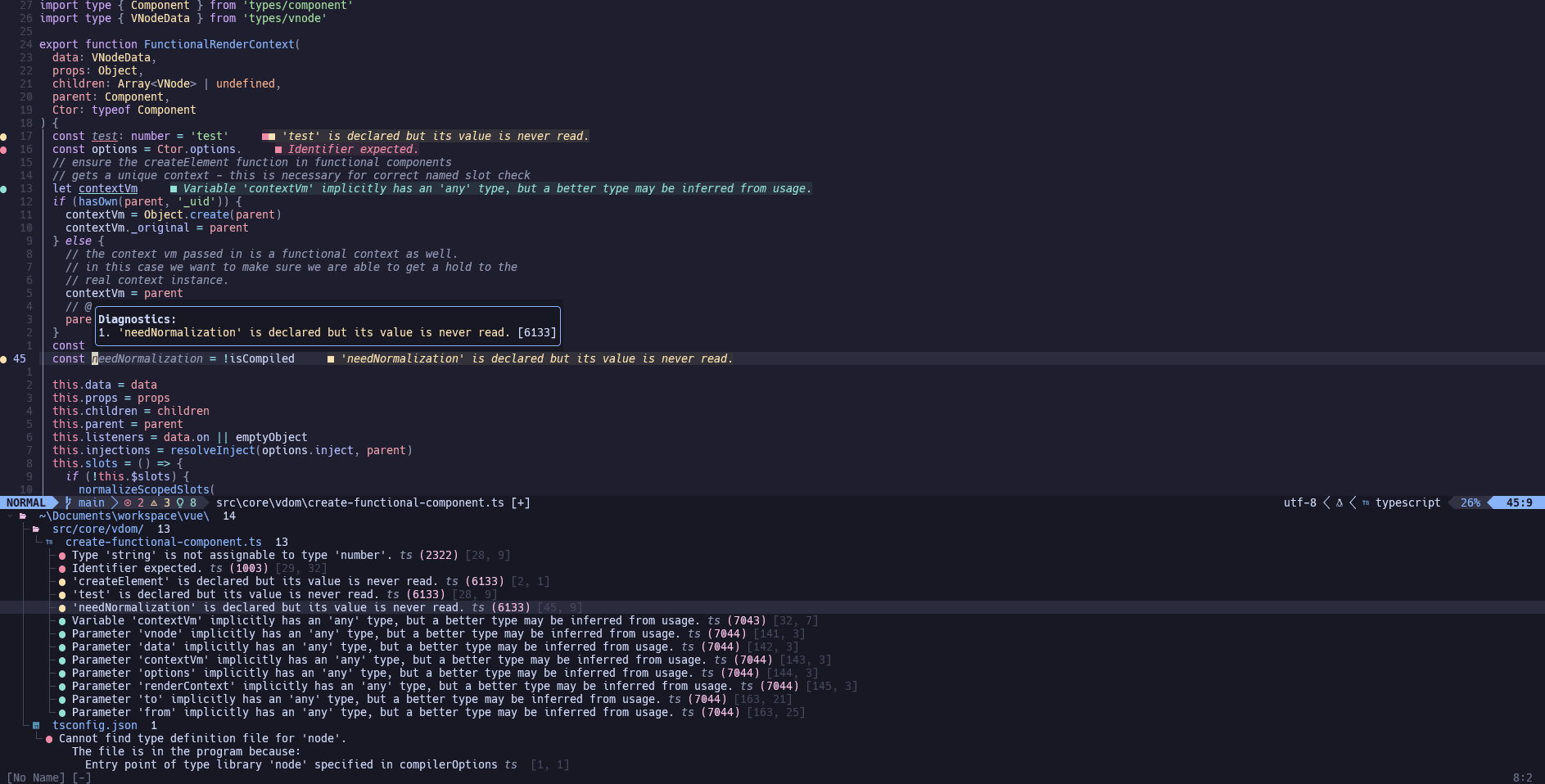
View all diagnostics
Inspect all diagnostics in a single view to track and fix issues faster.
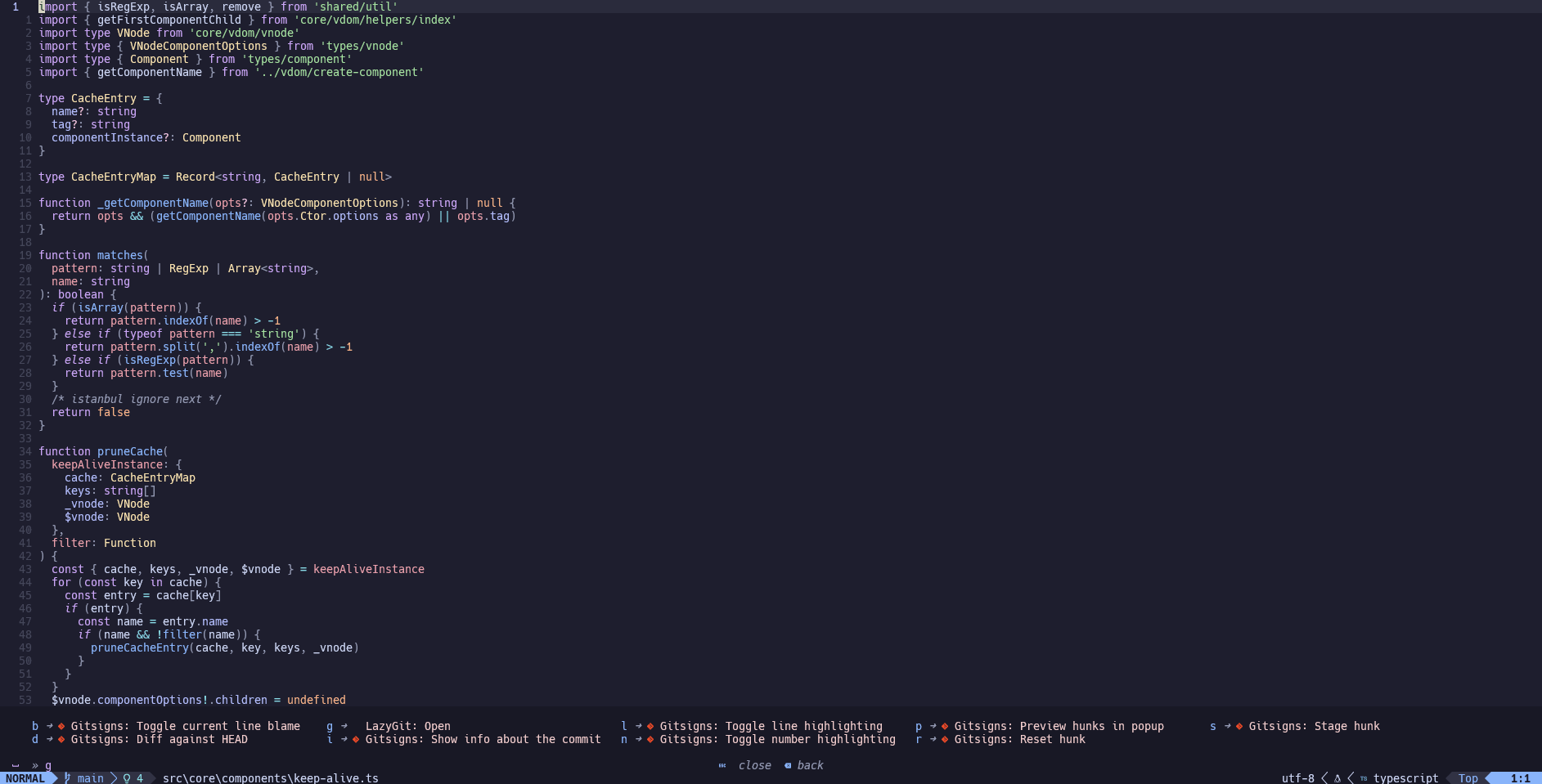
Keymap helper
Discover available key bindings in real time as you type commands.
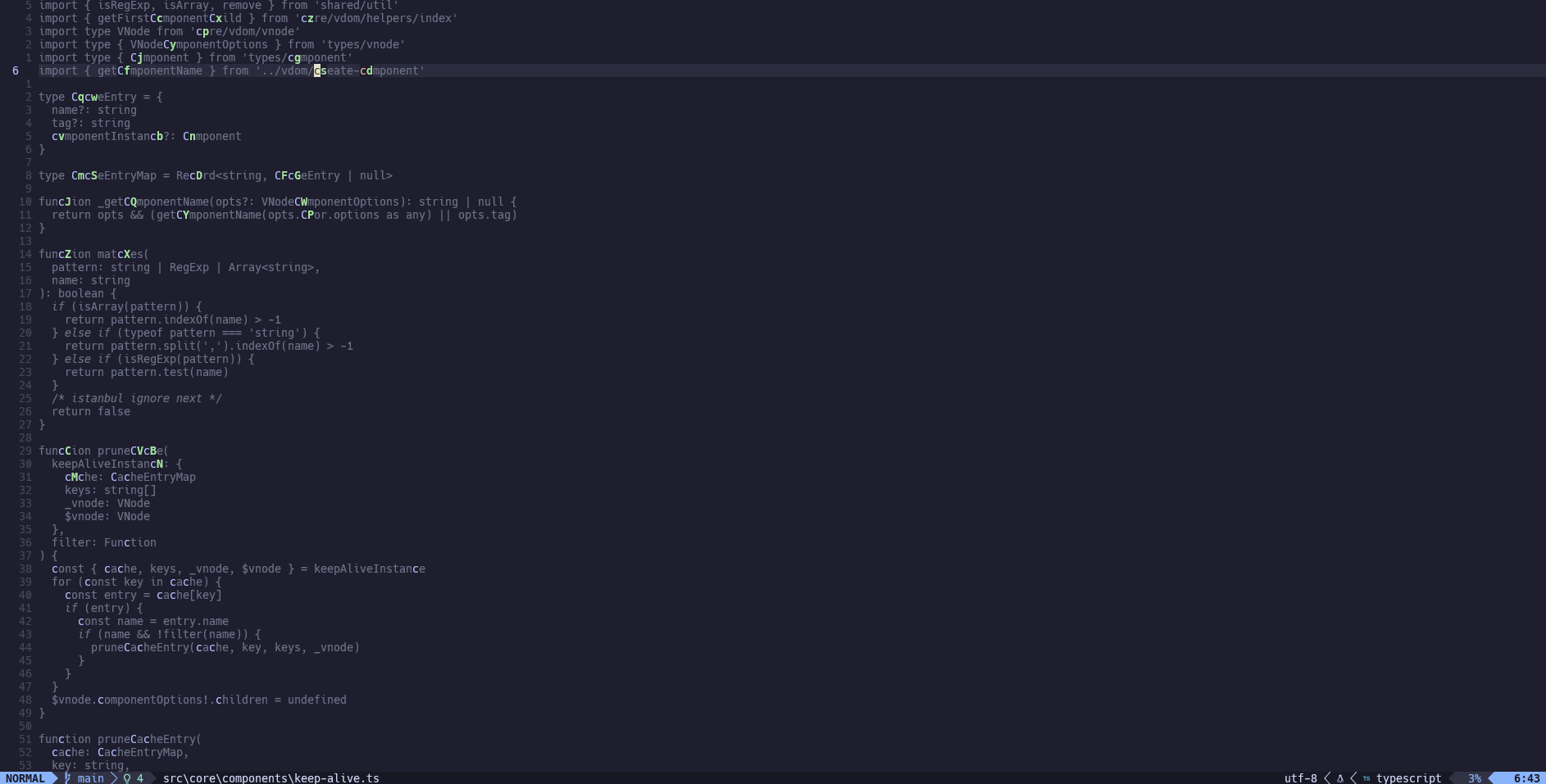
Navigate your documents
Move efficiently through files and jump between search results and locations.
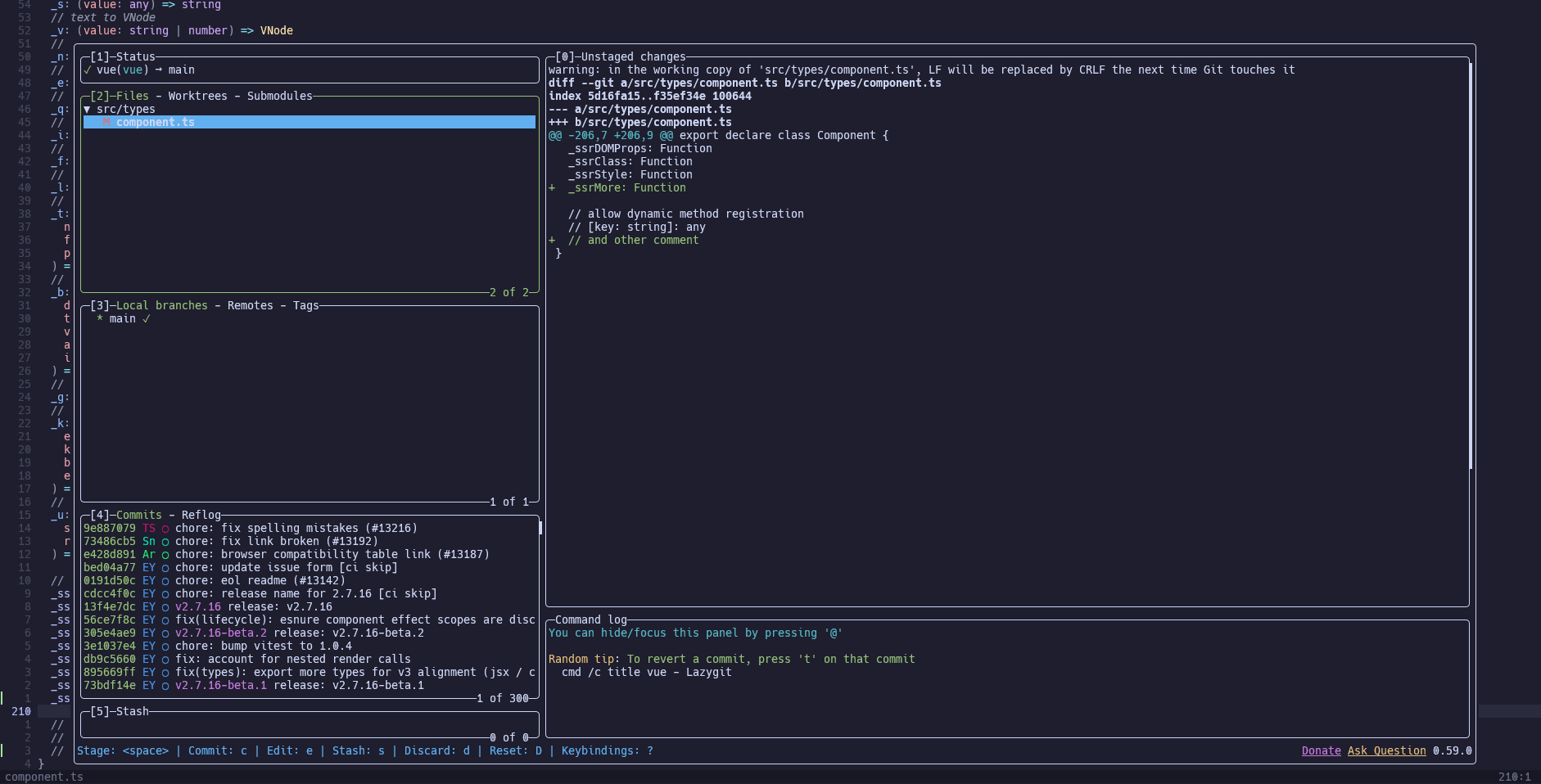
Perform Git actions
A fast and intuitive terminal UI for Git. Stage, commit, rebase, and manage branches with ease.
Review file changes
Review and compare file changes to understand differences between commits or branches.